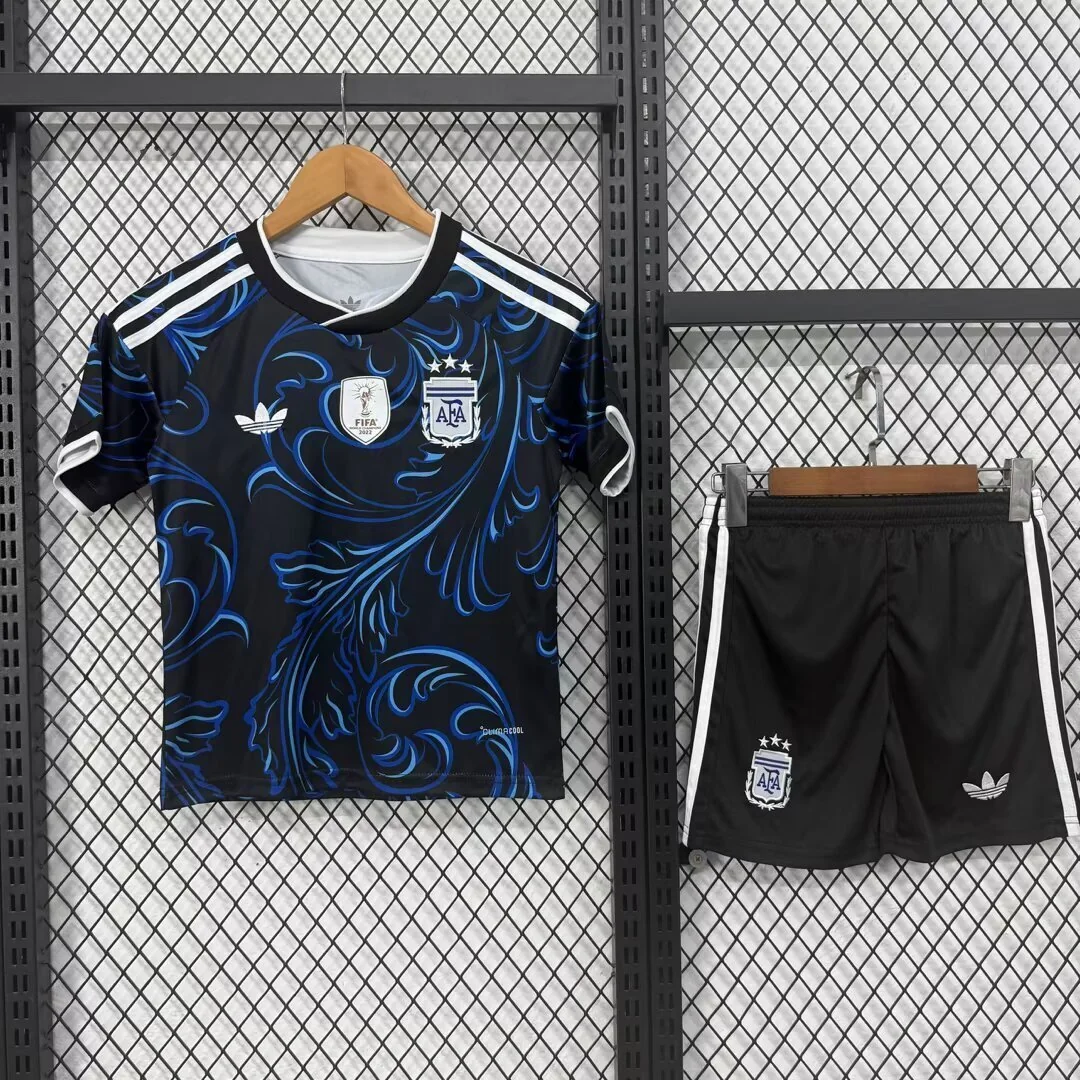
Argentina 26/27 Away Kids Kit
A dark shirt with blue swirling graphics, white shoulder stripes and black shorts pictured beside it.
wlh-231321942 Resnap Jerseys
Separate adult shirts, children’s sets and retro references into clear enquiry lines.
For an adult club shirt, write the shirt reference and size. For a children’s kit, specify the shirt and shorts and ask whether they use the same size. For a retro reference, include the design season and requested printing rather than only the team name.
“Five Brazil kits” and “five Brazil shirts” can describe different goods. Keep the quoted unit explicit. When mixing sizes, create separate rows for each reference and size; record names and numbers against the correct row.
Save the selected product link and its front photo. The yellow-and-green Brazil kit and the blue France kit are easy to distinguish, but a similar shirt from another season may not be the reference you intended. Ask for approval before any replacement.
The site opens your short greeting and the Resnap homepage link. Copy the completed list below, open your chosen WhatsApp app and paste the list into the conversation. Your entries stay in this browser until you choose to share them.
Compare the pictured designs. Open each product for its gallery and reference.
A dark shirt with blue swirling graphics, white shoulder stripes and black shorts pictured beside it.
wlh-231321942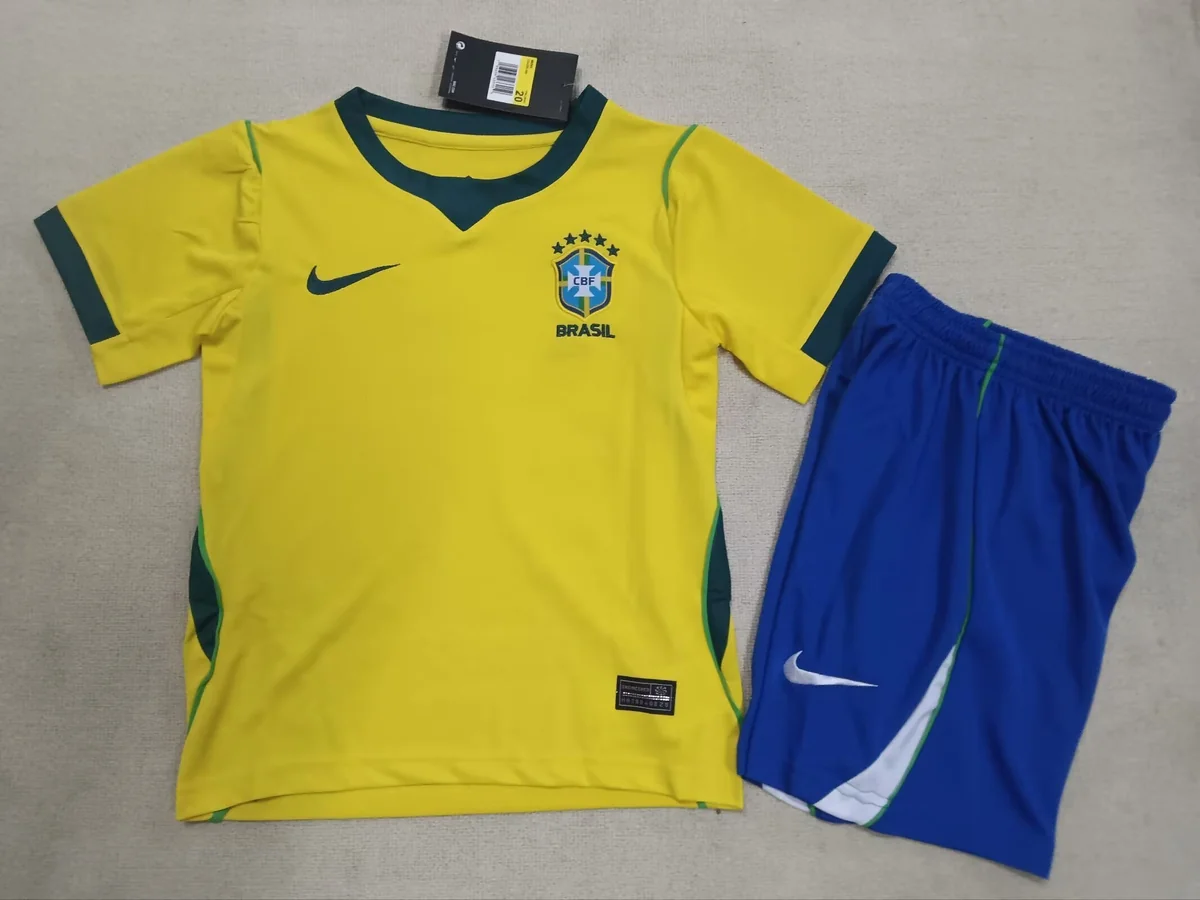
A yellow shirt with green neckline and sleeve trim, photographed beside blue shorts.
wlh-220111464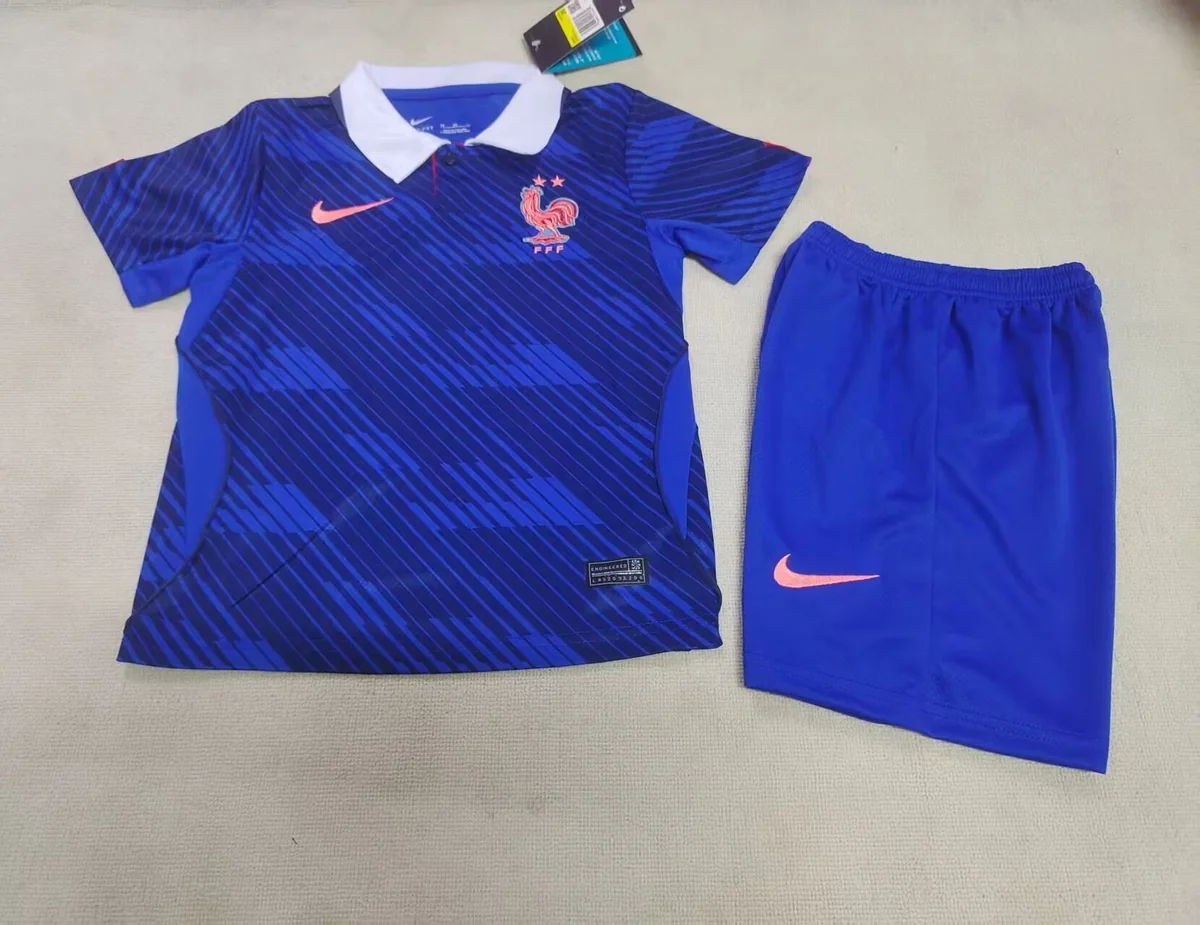
A blue shirt with diagonal tonal graphics and a contrasting white fold-over collar, pictured with blue shorts.
wlh-222731764